We use cookies, including cookies from third parties, to enhance your user experience and the effectiveness of our marketing activities. These cookies are performance, analytics and advertising cookies, please see our Privacy and Cookie policy for further information. If you agree to all of our cookies select “Accept all” or select “Cookie Settings” to see which cookies we use and choose which ones you would like to accept.
Exceptional Image Quality
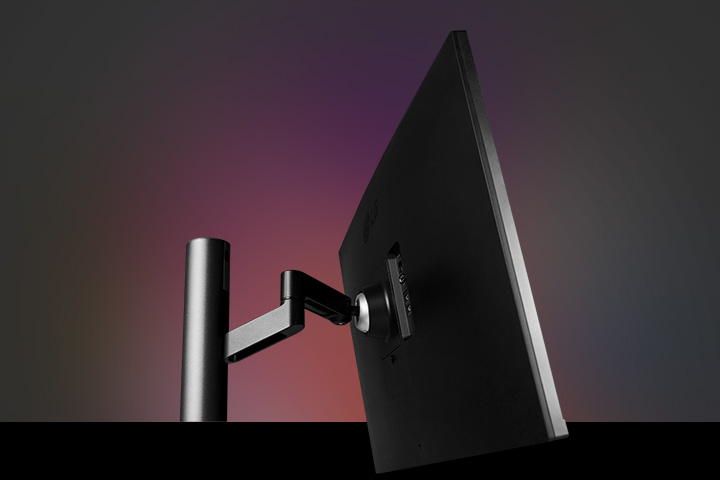
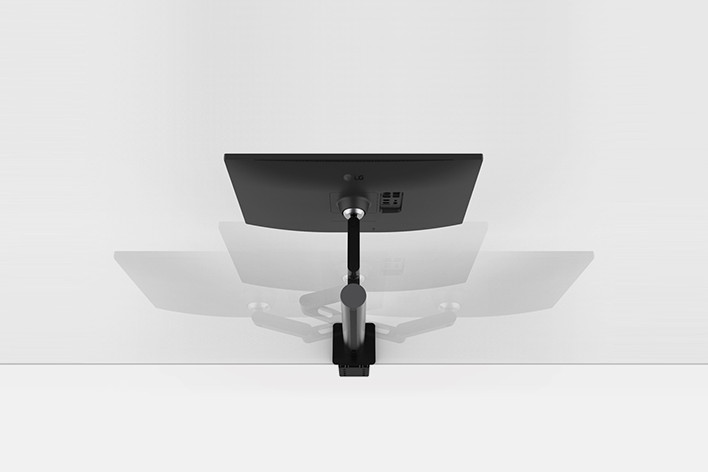
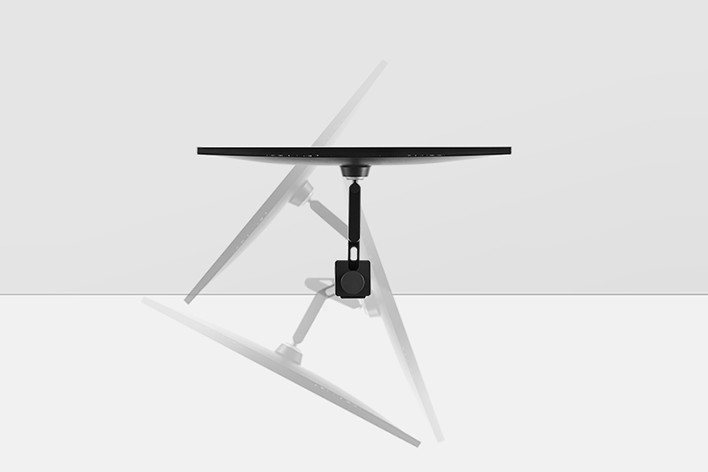
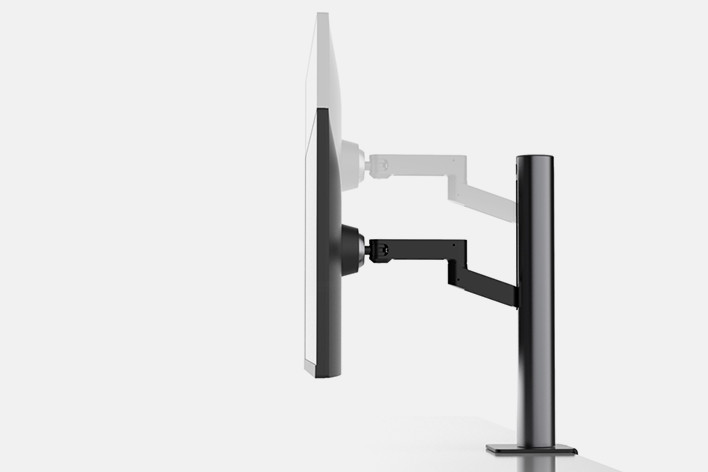
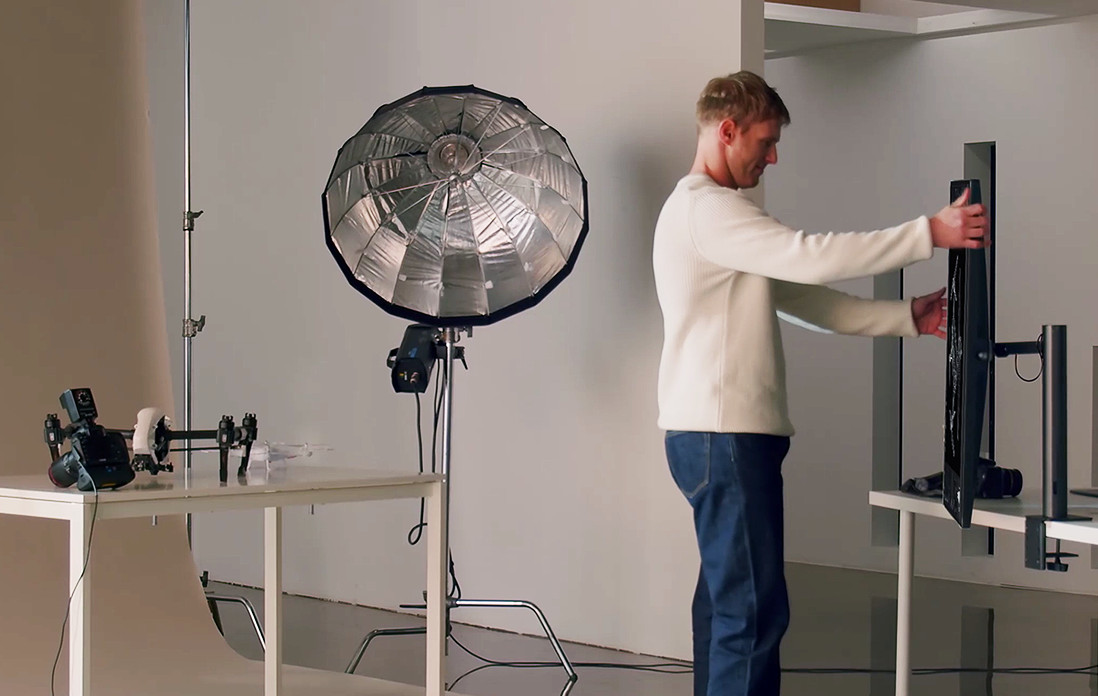
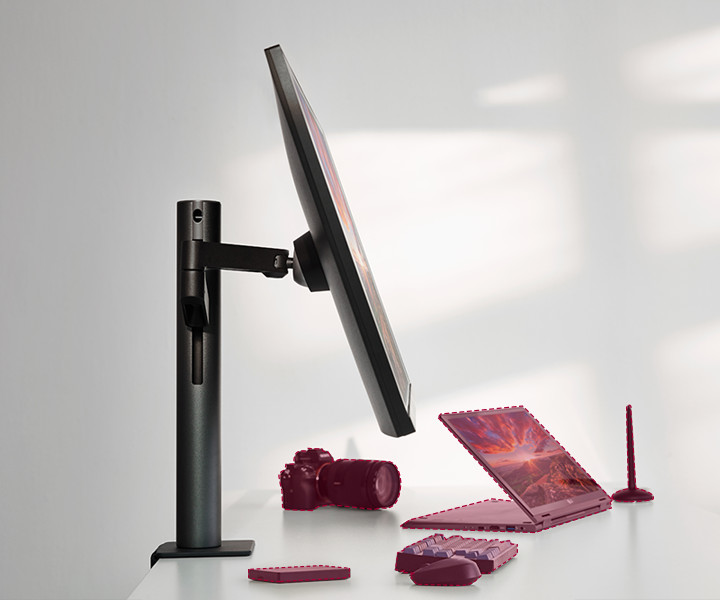
Ergonomics
User Convenience
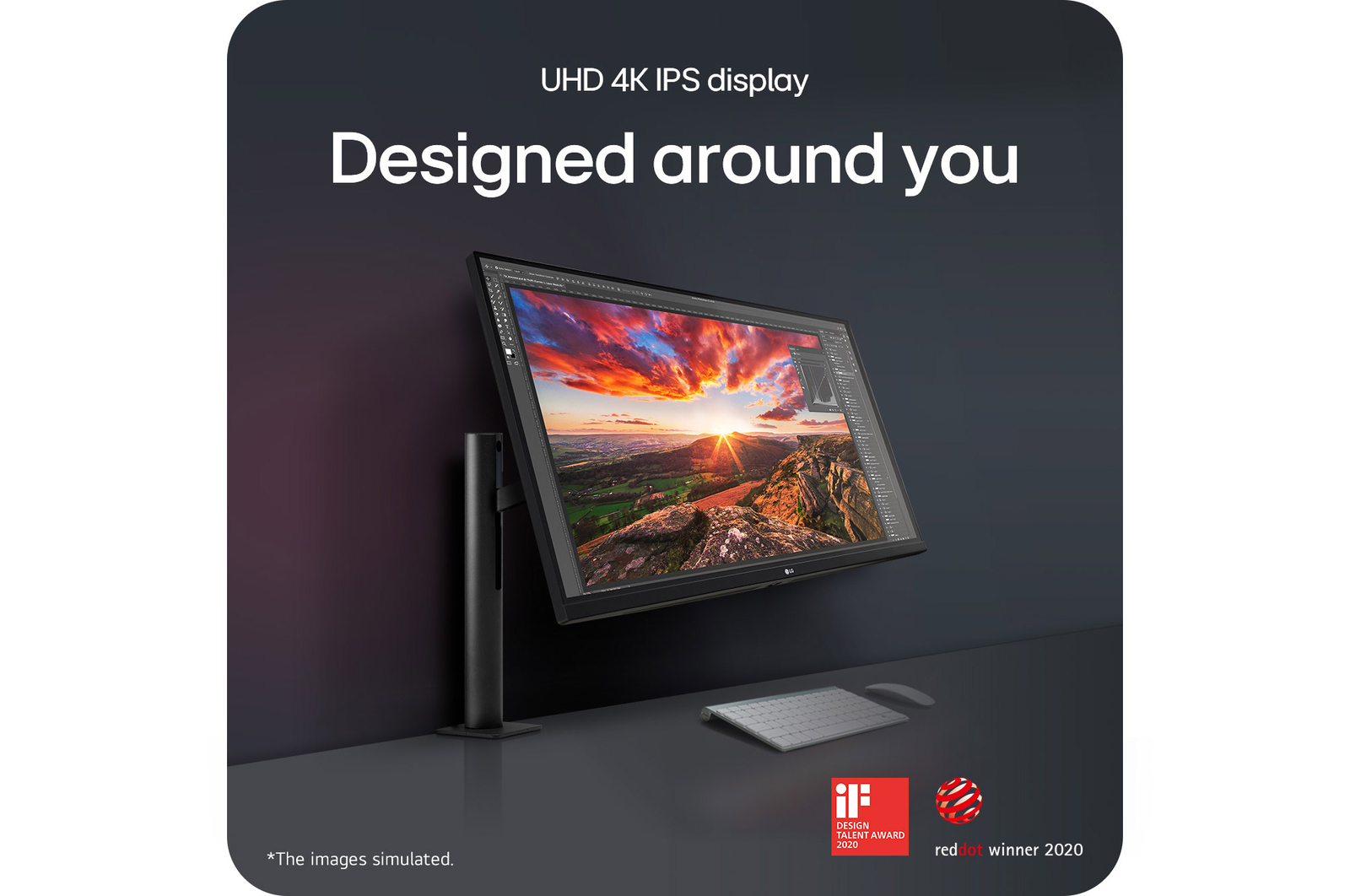
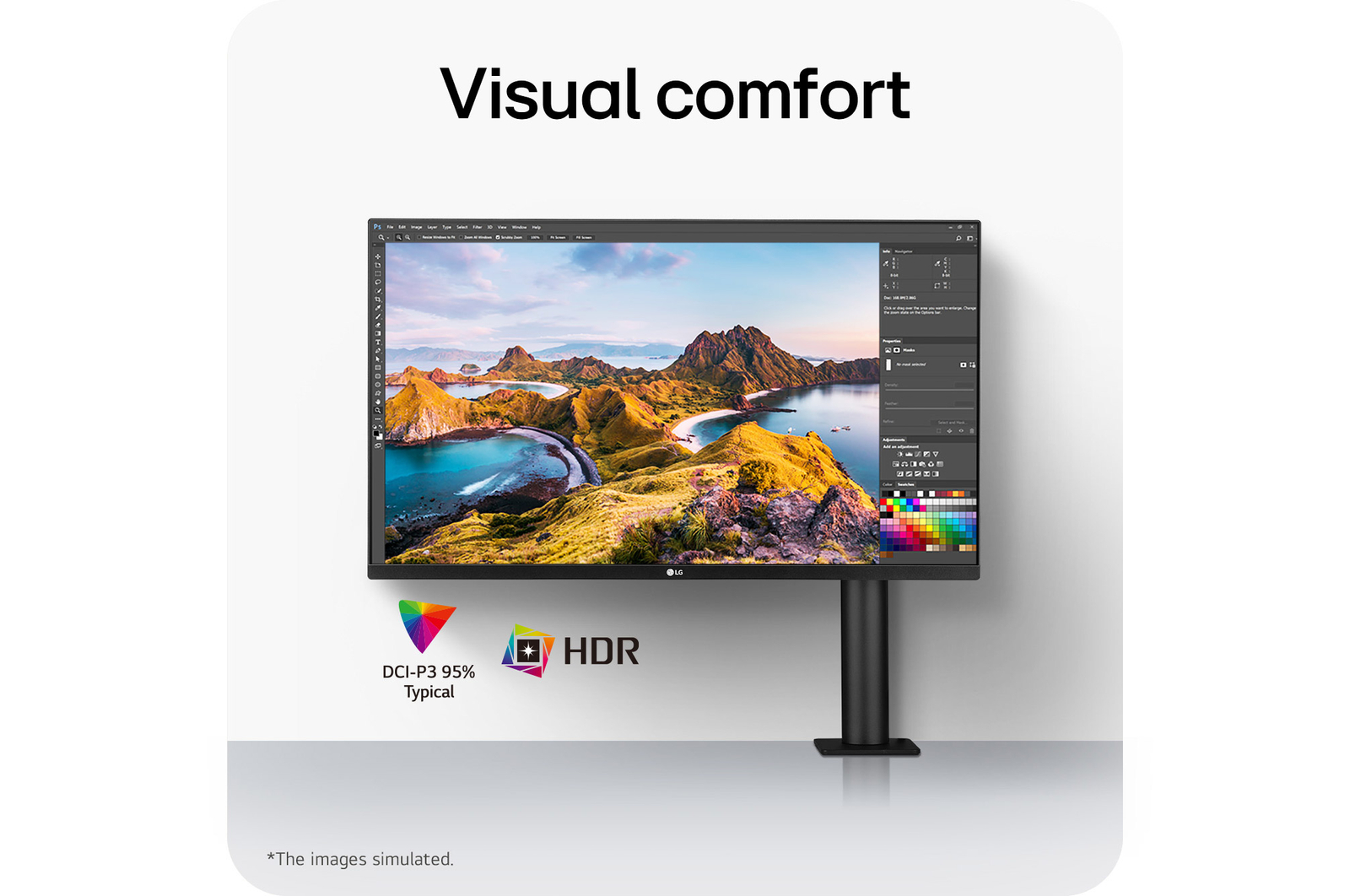
Clear & Large Display for Visual Comfort
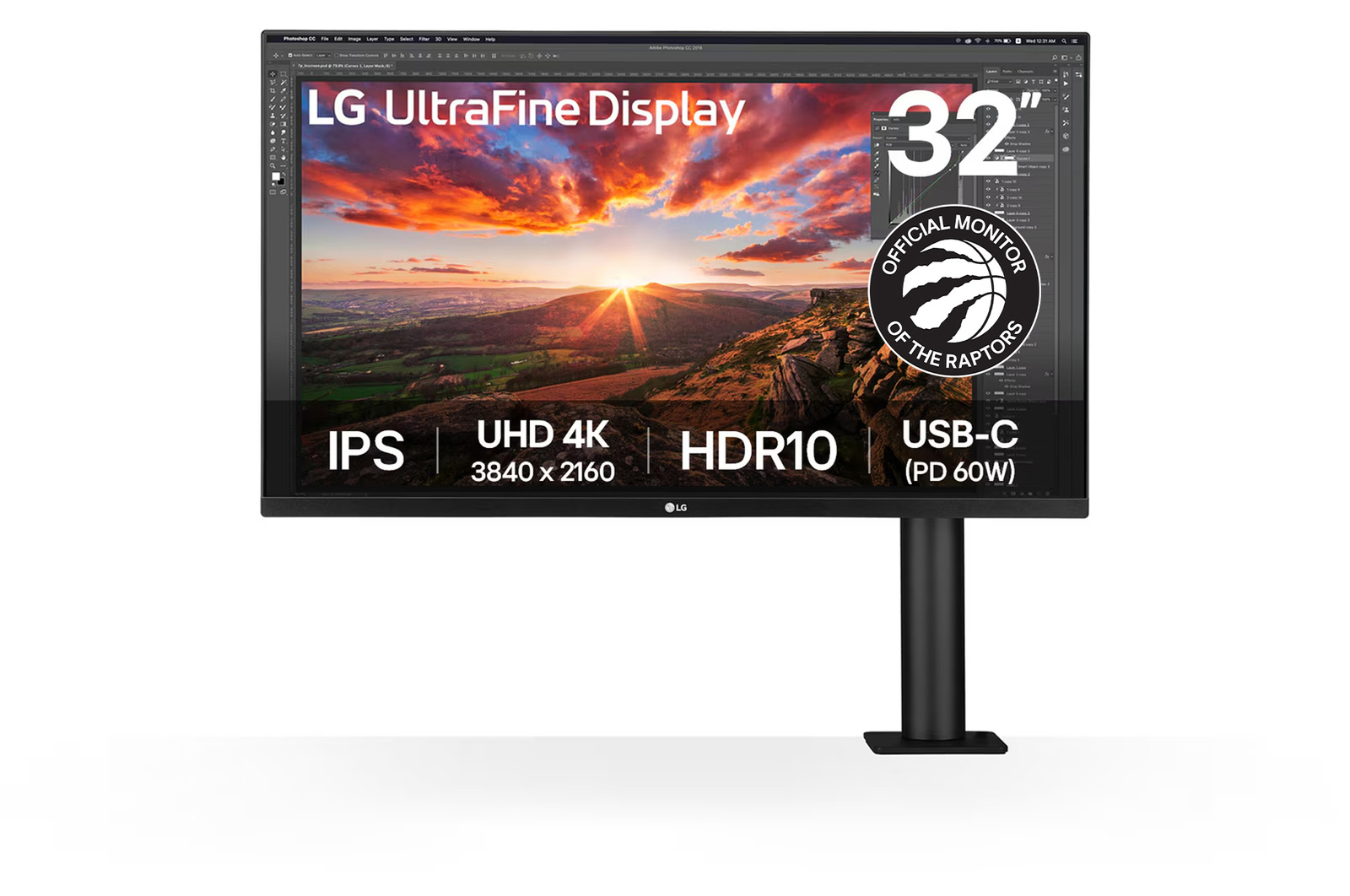
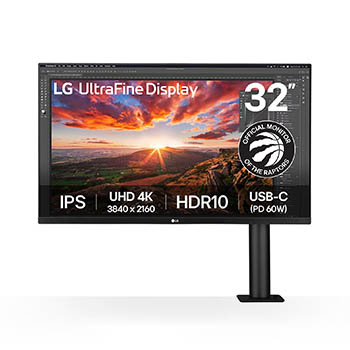
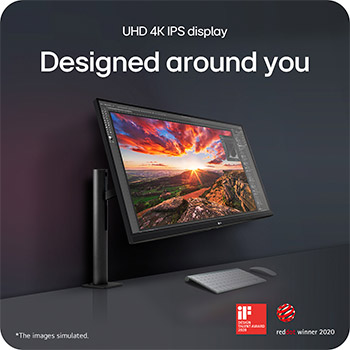
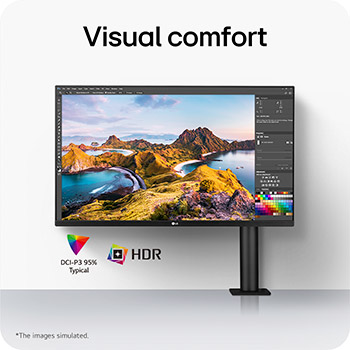
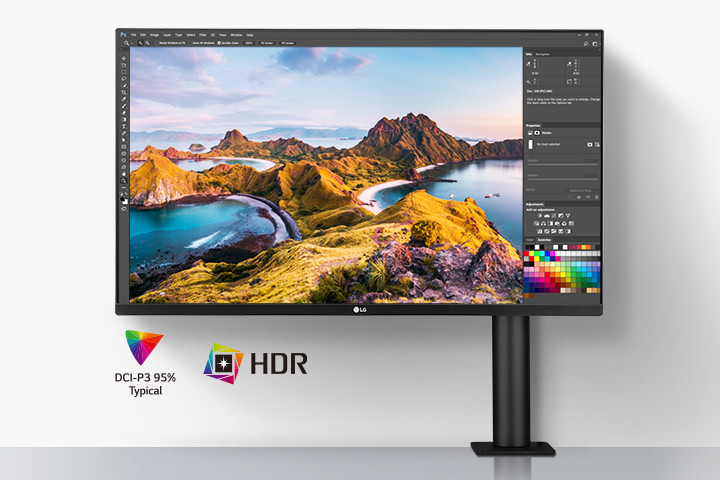
With DCI-P3 and HDR10, LG UltraFine™ Ergo provides exceptional image quality. 31.5-inch 4K IPS display delivers a comfortable viewing experience by reducing colour shift from different vantage points.
UHD 4K IPS Display: Clear & large display for visual comfort, 31.5-inch IPS display, DCI-P3 95% Typical, HDR.
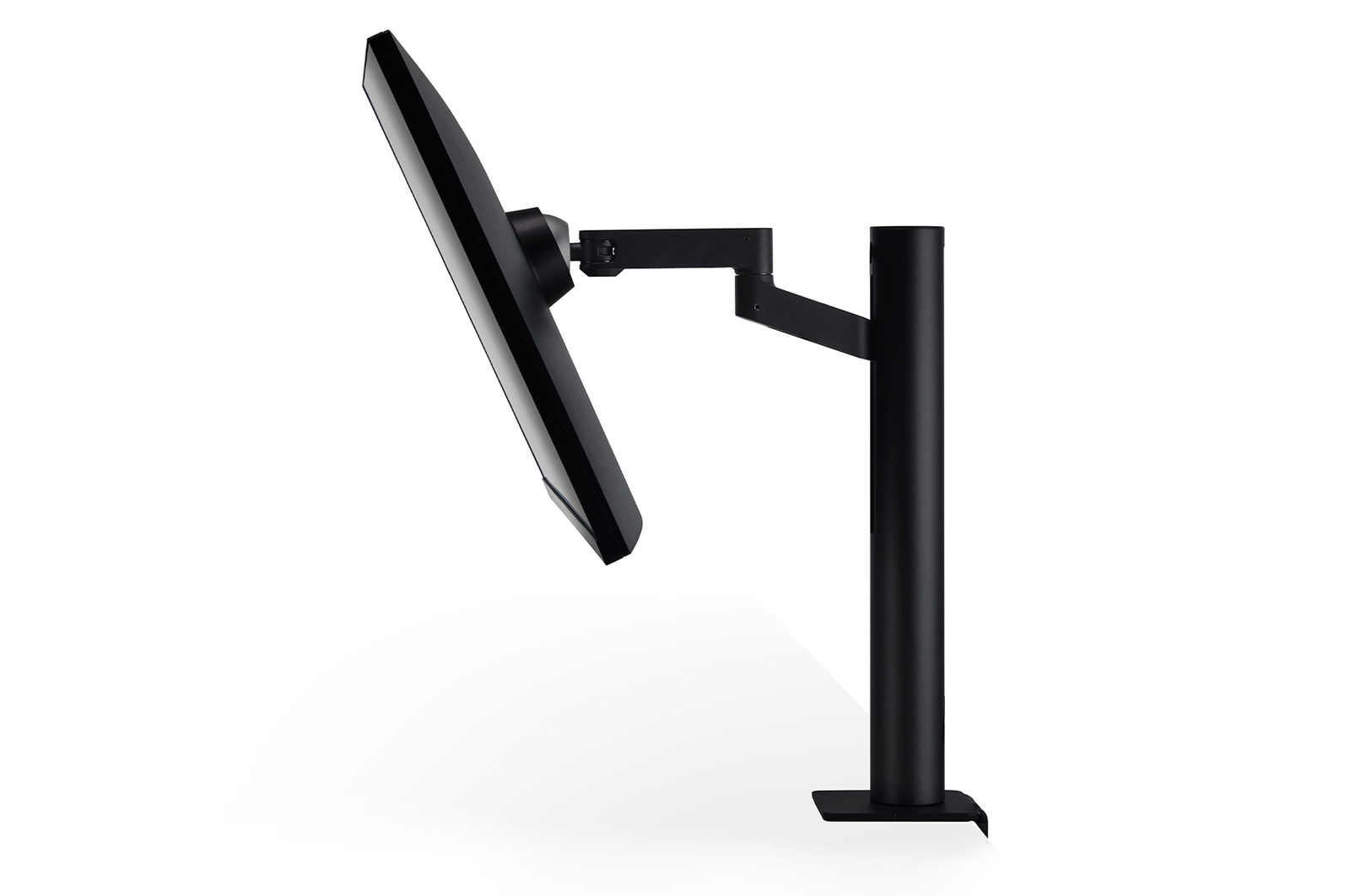
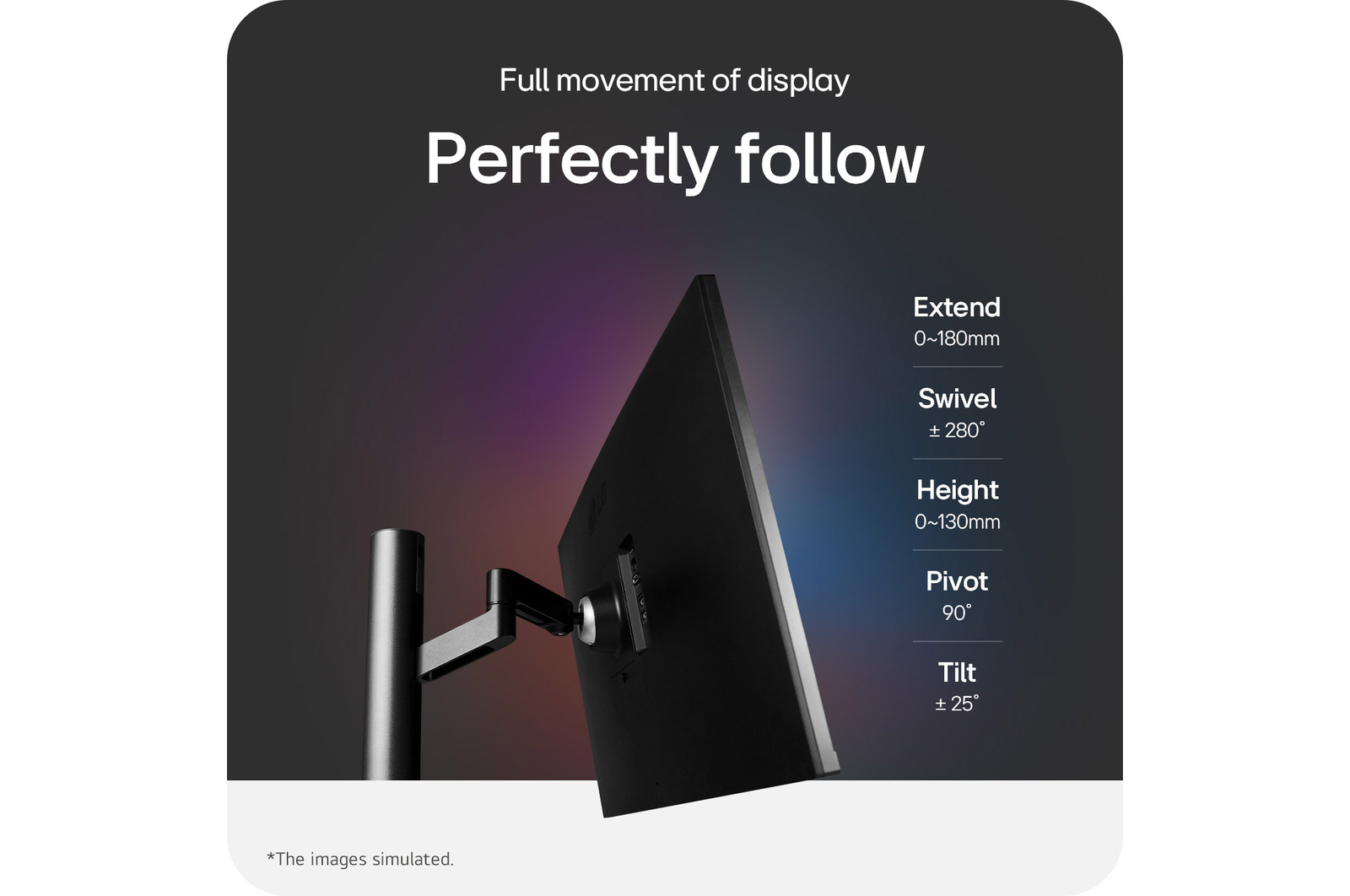
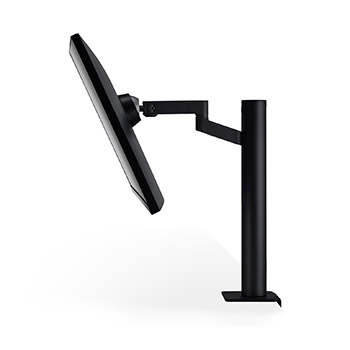
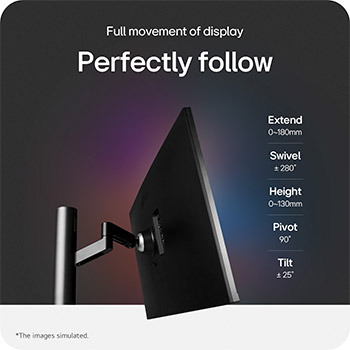
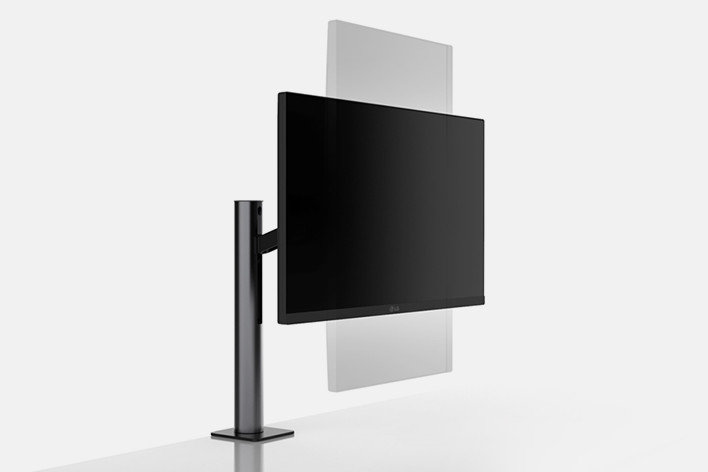
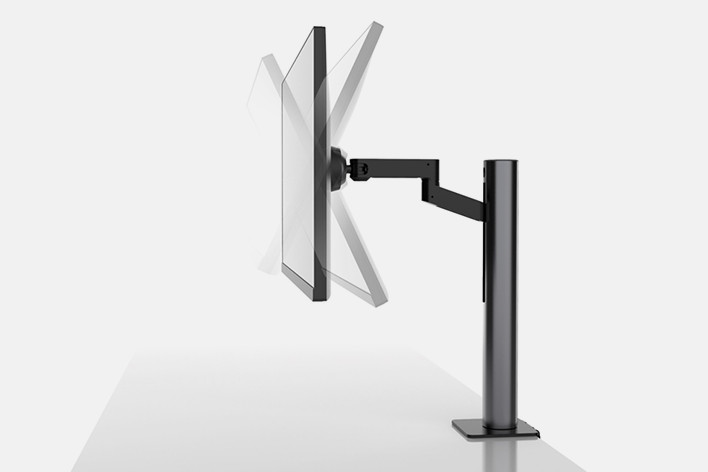
Extend / Retract 0~180mm
Swivel ± 280˚
Height 0~130mm
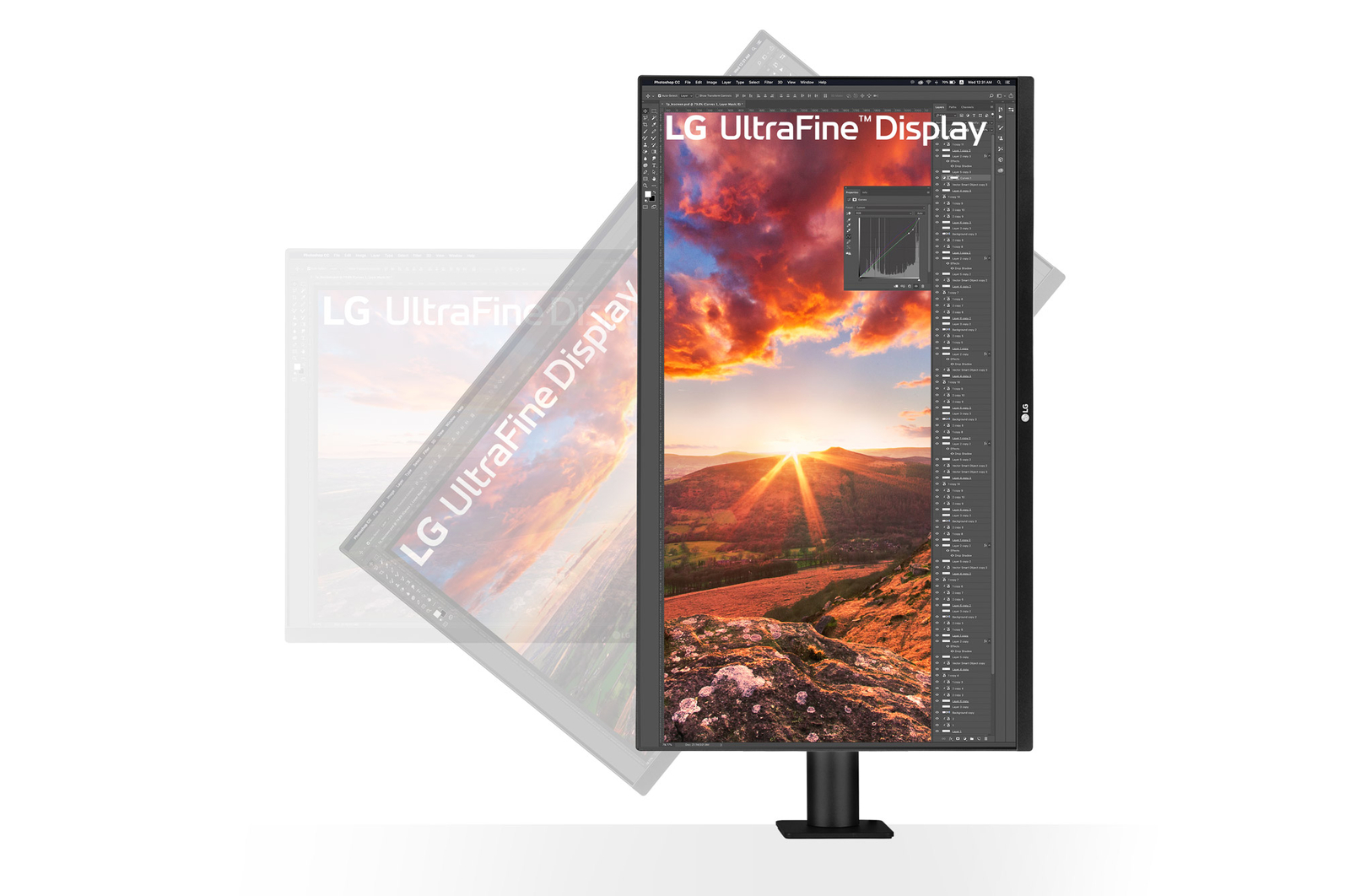
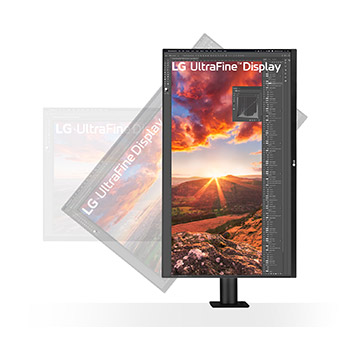
Pivot 90˚
Tilt ± 25˚
*The figures above are the available range of features.
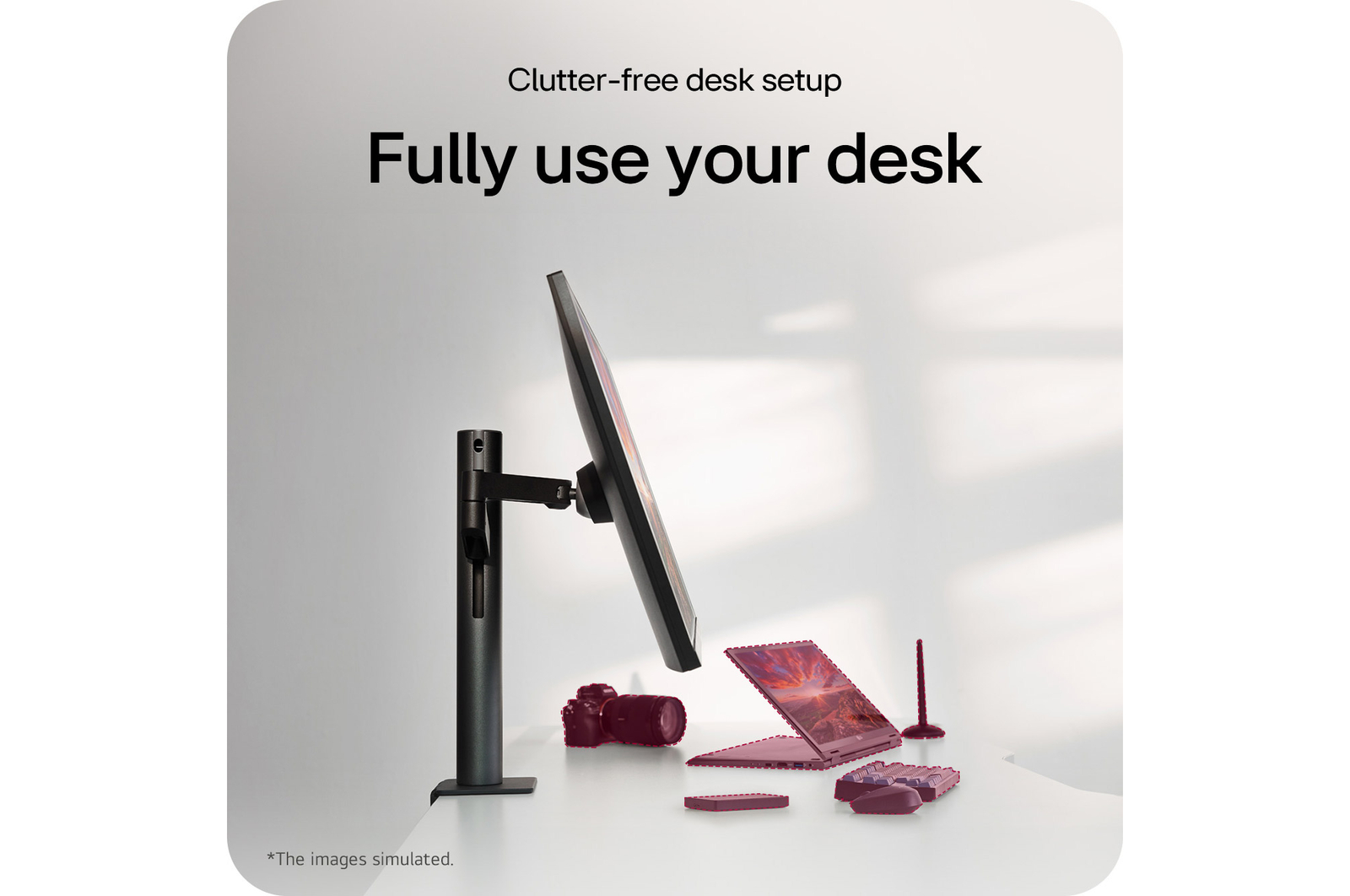
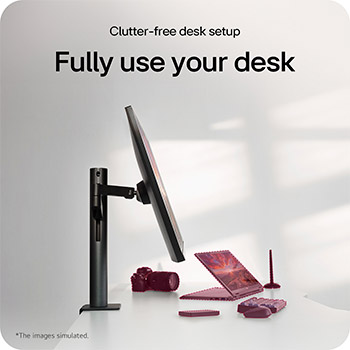
Compatible with Every Posture
*For detailed installation instructions, see the product manual at LG.com Support page.
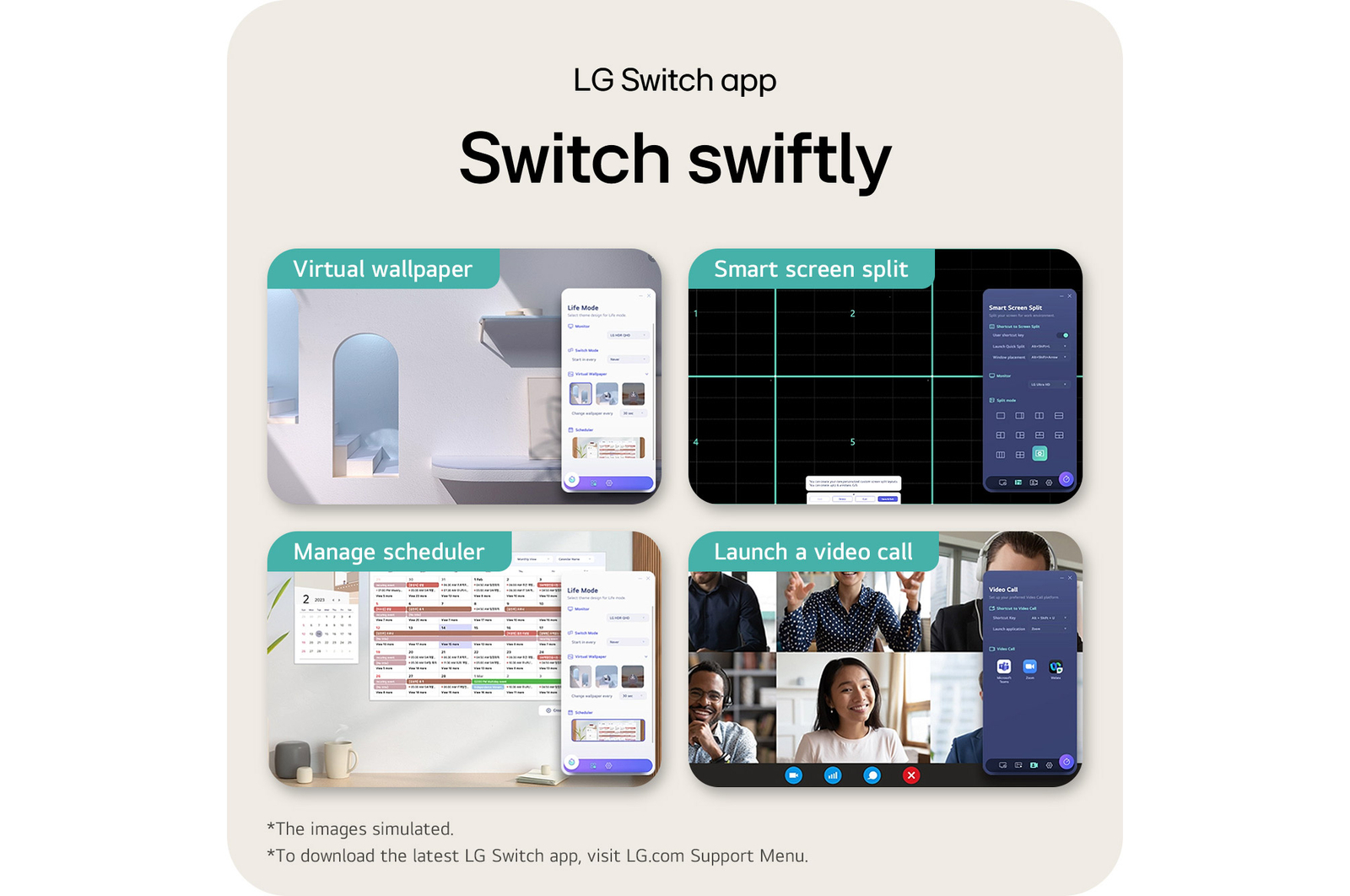
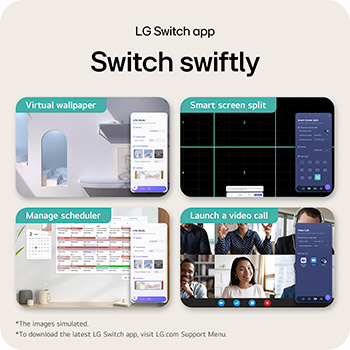
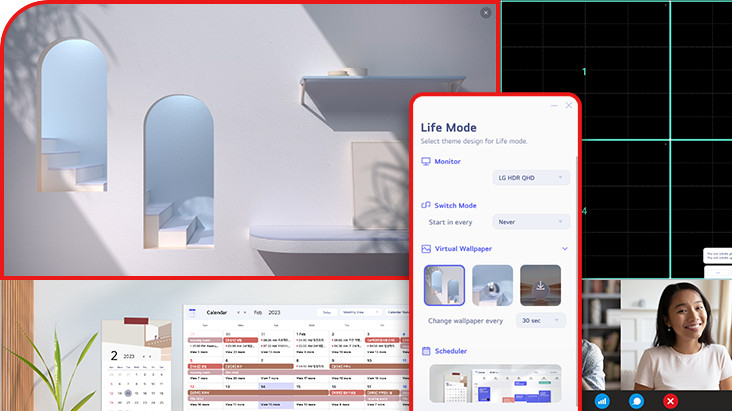
LG Switch app
Switch swiftly
LG Switch app helps to optimize the monitor to your work and life. You can readily divide the whole display up to 6, change the theme design, or even launch a video call platform with a mapped hotkey.
*Images have been simulated to enhance feature understanding, and may differ from actual use experience.
*To download the latest LG Switch app, search for 32UN880K in the LG.com Support Menu.
Gallery
SUMMARY
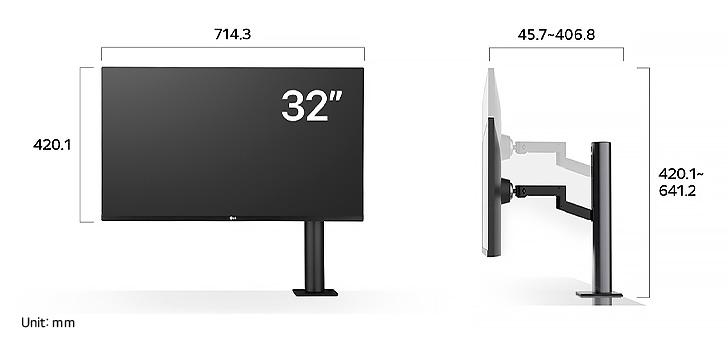
DIMENSIONS
Key Spec
-
Size [Inch]
31.5
-
Resolution
3840 x 2160
-
Panel Type
IPS
-
Aspect Ratio
16:9
-
Color Gamut (Typ.)
DCI-P3 95% (CIE1976)
-
Brightness (Typ.) [cd/m²]
350
-
Refresh Rate (Max.) [Hz]
60
-
Response Time
5ms (GtG at Faster)
-
Display Position Adjustments
Tilt/Height/Swivel/Pivot/Extend/Retract
All Spec
FEATURES
-
Reader Mode
Yes
-
Black Stabilizer
Yes
-
Color Calibrated in Factory
Yes
-
Color Weakness
Yes
-
Dynamic Action Sync
Yes
-
Flicker Safe
Yes
-
HDR 10
Yes
-
HDR Effect
Yes
-
HW Calibration
HW Calibration Ready
-
Smart Energy Saving
Yes
-
Super Resolution+
Yes
ACCESSORY
-
HDMI
Yes
-
Adapter
Yes
-
Calibration Report (Paper)
Yes
-
HDMI (Color/Length)
Black / 1.8m w/ Holder
-
Others (Accessory)
DC Extension cable 1.2m Black w/ Holder, Grommet, LG Cover Sheet
-
Power Cord
Yes
-
USB-C
Yes
CONNECTIVITY
-
DisplayPort
Yes(1ea)
-
DP Version
1.4
-
HDMI
Yes(2ea)
-
Headphone out
3-pole (Sound Only)
-
USB-C
Yes(1ea)
-
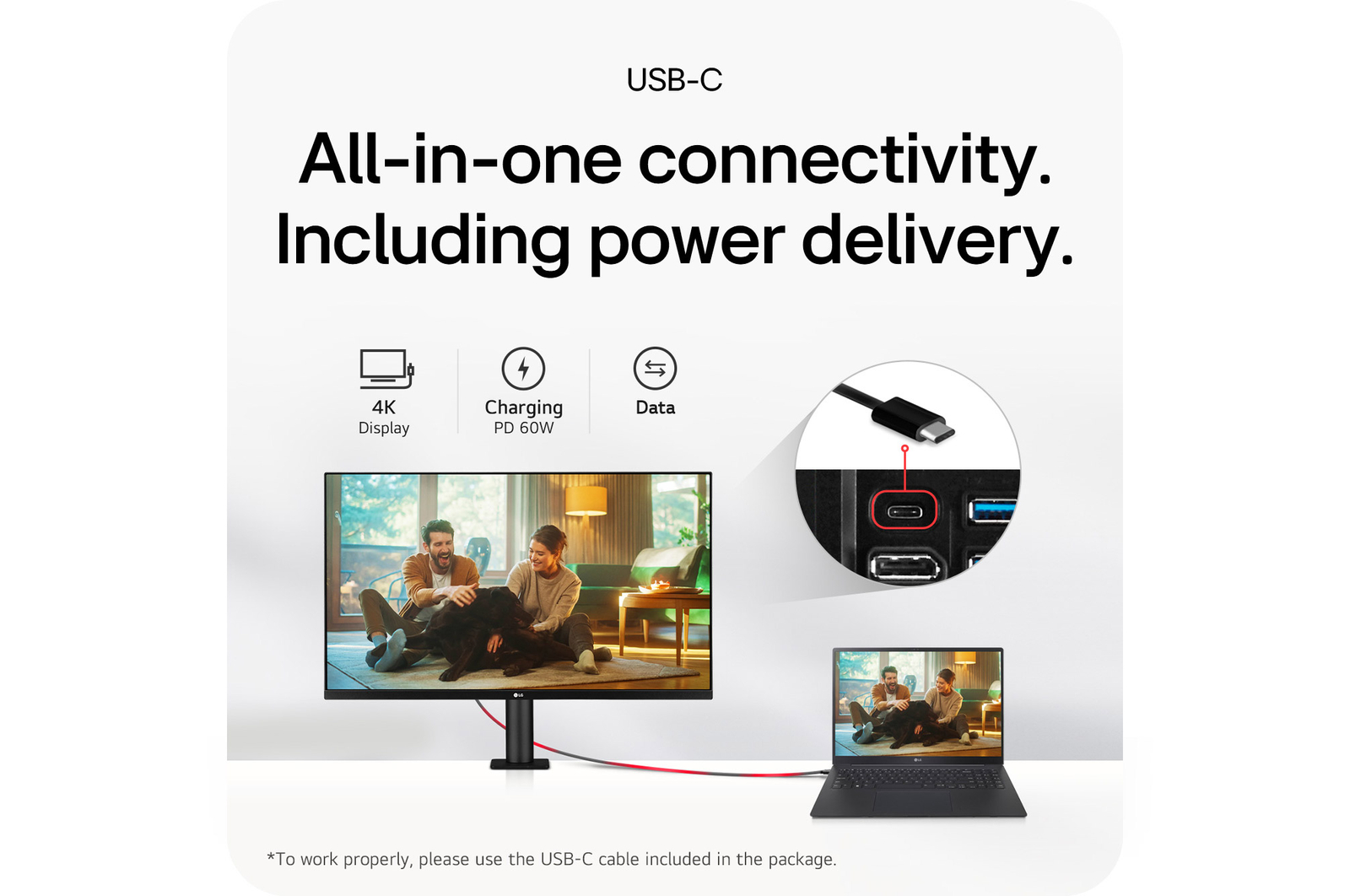
USB-C (Data Transsmission)
Yes
-
USB-C (Max. Resolution at Hz)
3840 x 2160 at 60Hz
-
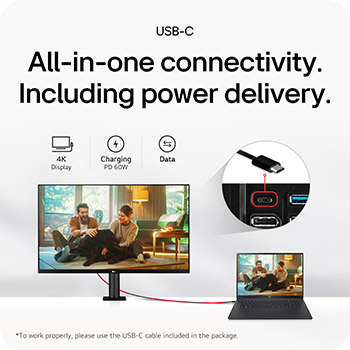
USB-C (Power Delivery)
60W
-
USB Downstream Port
Yes(2ea/ver3.0)
DIMENSIONS/WEIGHTS
-
Dimension in Shiping (W x H x D) [mm]
821 x 507 x 247mm
-
Dimension without Stand (W x H x D) [mm]
714.3 x 420.1 x 45.7mm
-
Dimension with Stand (W x H x D) [mm]
714.3 x 641.1 x 406.8mm
-
Weight in Shipping [kg]
14.6
-
Weight without Stand [kg]
6.5
-
Weight with Stand [kg]
10.3
DISPLAY
-
Aspect Ratio
16:9
-
Brightness (Min.) [cd/m²]
280
-
Brightness (Typ.) [cd/m²]
350
-
Color Bit
10bit (8bit+FRC)
-
Color Depth (Number of Colors)
1.07B
-
Color Gamut (Min.)
DCI-P3 90% (CIE1976)
-
Color Gamut (Typ.)
DCI-P3 95% (CIE1976)
-
Contrast Ratio (Min.)
700:1
-
Contrast Ratio (Typ.)
1000:1
-
Panel Type
IPS
-
Pixel Pitch [mm]
0.18159 x 0.18159 mm
-
Refresh Rate (Max.) [Hz]
60
-
Resolution
3840 x 2160
-
Response Time
5ms (GtG at Faster)
-
Size [cm]
80
-
Size [Inch]
31.5
-
Surface Treatment
Anti-Glare
-
Viewing Angle (CR≥10)
178º(R/L), 178º(U/D)
INFO
-
Product name
UHD
-
Year
Y24
MECHANICAL
-
Display Position Adjustments
Tilt/Height/Swivel/Pivot/Extend/Retract
-
Borderless Design
3-Side Virtually Borderless Design
-
OneClick Stand
Yes
-
Wall Mountable [mm]
100 x 100 mm
POWER
-
AC Input
100~240V (50/60Hz)
-
DC Output
210W (19.5V / 10.8A)
-
Power Consumption (DC Off)
Less than 0.3W
-
Power Consumption (Sleep Mode)
Less than 0.5W
-
Type
External Power(Adapter)
SOUND
-
Maxx Audio
Yes
-
Speaker
5W x 2
STANDARD
-
CE
Yes
-
KC (for Rep. of Korea)
Yes
-
UL (cUL)
Yes
SW APPLICATION
-
Dual Controller
Yes
-
LG Calibration Studio (True Color Pro)
Yes
What people are saying
Find Locally
FAQ
What are the benefits of using UHD 4K & 5K monitors?
1. Ultra-High Resolution for Crystal-Clear Image Quality
Boasting 4K (3840×2160) and 5K (5120×2160) resolutions, these monitors offer a much higher pixel count than conventional displays. This results in sharper, more detailed rendering of text, images, and videos, which makes everything on screen look incredibly clear and crisp.
2. Optimized Color Accuracy for Professional Visual Work
These monitors support advanced technologies that enhance image quality and color accuracy, making them ideal for creative professionals. They are a perfect fit for tasks like photo and video editing, graphic design, and color grading, where accurate and vibrant colors are paramount.
3. Enhanced Content Immersion
You can watch 4K content from services like Netflix, YouTube, and other streaming platforms in its native, high-quality format. The high brightness and rich contrast levels further elevate your viewing experience, making movies and TV shows more immersive and visually stunning.
4. More Screen Space
The high resolution allows you to display more content on a single screen at once. This is a big advantage for multitasking, especially for tasks such as video editing, design, coding, or research, where having multiple applications and windows open side by side can significantly improve your workflow.

Who would especially benefit from using UHD 4K & 5K monitors?
LG UHD 4K & 5K monitors are especially well-suited for users who demand precision, love high-quality content, and value efficient multitasking.
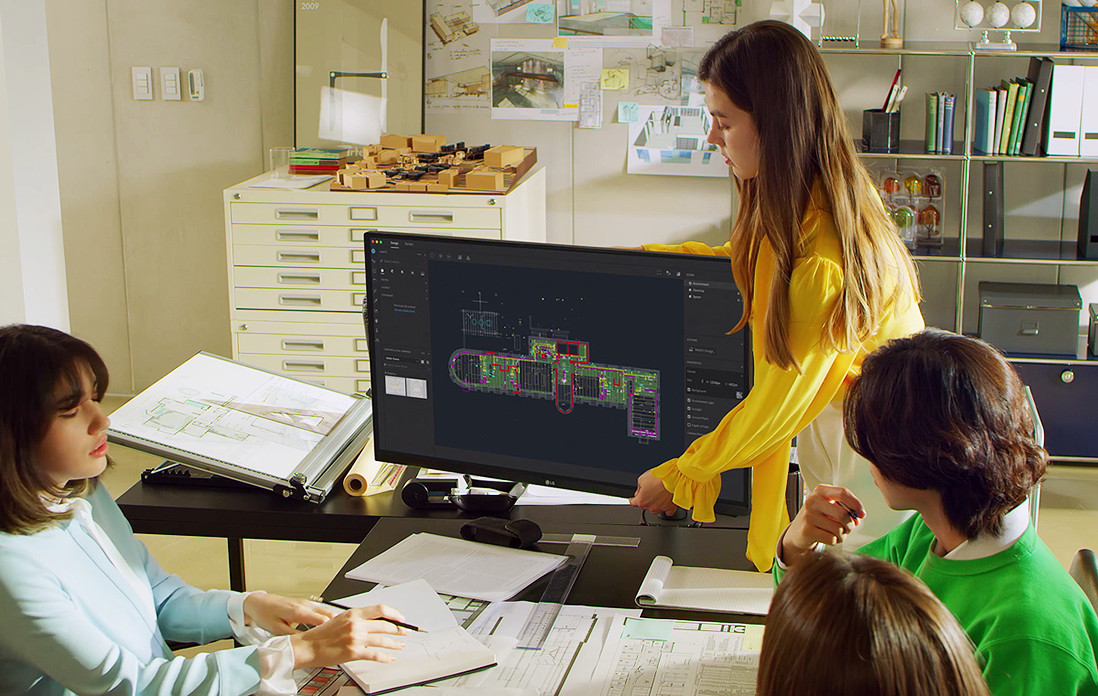
They are ideal for professionals in graphic design, photo editing, and video production, where high resolution and accurate color reproduction are crucial. The monitors' support for technologies like DCI-P3 and HDR10 enhances both convenience and visual quality. The increased screen real estate also benefits planners, developers, researchers, and finance professionals who work with multiple windows simultaneously, improving overall workflow efficiency.
For those who want to enjoy 4K content from platforms like YouTube or Netflix in its original quality, the sharp resolution and vibrant contrast provide a deeply immersive viewing experience.
In short, UHD 4K & 5K monitors offer a versatile solution, perfectly serving both professional users who need visual accuracy and general users who want to enjoy rich, detailed content.
What are the differences between OLED, IPS, and VA panels?
OLED (Organic Light-Emitting Diode)
OLED panels are a premium display technology where each pixel emits its own light. This self-emissive design allows for true blacks and an infinite contrast ratio, since pixels can be fully turned off. They also have ultra-fast response times, making them the best option for high-end gaming monitors, premium TVs, and professional video editing where colour accuracy and speed are critical.
IPS (In-Plane Switching)
IPS panels are known for their accurate colour reproduction and wide viewing angles, which keeps the image clear and consistent even when viewed from the side. This makes them a great all-purpose choice for office work, design, and gaming. Gamers especially appreciate their superior colour accuracy, as it allows them to experience the game’s visuals exactly as the developers intended.
VA (Vertical Alignment)
VA panels offer the highest native contrast ratio of all LCD types, delivering an immersive experience for movies and videos with deep blacks and rich colours. While not as fast as TN or OLED panels, their performance has improved to the point of being a great, all-around option for both casual gaming and general media consumption.
Our Picks for You
-
Manual& Software
Download product manuals and latest software for your LG product.
-
Troubleshoot
Find helpful videos and information about your product systems.
-
Warranty
Check LG warranty information here.
-
Part& Accessory
Discover accessories for LG products.
-
Product registration
Registering your product will help you get faster support.
-
Product support
Find manual, troubleshoot and warranty of your LG product.
-
Order support
Track your order and check order FAQ.
-
Repair request
Repair request service conveniently online.
Contact Us
-
Chat with us
Get your answers from our virtual assistants.
-
WhatsApp
We are on WhatsApp. Text with our experts for service related concerns
-
Email us
No time to chat?Send LG Support your inquiry.
-
Text us
Text ‘*CARE’ to
1-587-742-2623
and get instantly connected to an agent.
(Only for customers located in Canada)
-
Free shipping exclusions may apply outside of GTA & GVA areas.