Monthly LG I June

A screen that moves with the moment

Work, match day, wherever you are — everyone's day moves differently.
StanbyME 2 follows that flow, finding its place whenever and wherever it's needed.

*Sponsored by LG

Craig Lynskey - Smiling man and woman looking forward inside a circle

For Craig Lynskey, home is more than a place to rest. It's where he works, watches soccer, and spends most of his day. He talked about how StanbyME 2 changed the way he watches, the way he works, and the way he moves through his time at home.

Craig doesn't think of himself as a tech person — he's more the type who cares about how efficiently a space works. A consultant who often works from home, he keeps his setup simple and expects everything around him to follow the same logic. He's followed soccer since childhood, tracks tactics mid-match, and comes from a family of Premier League fans. Weekends are for settling into a match; weekday evenings, it's the reset after work.

When work came first

The first place StanbyME 2 settled in was the work desk — not the sofa. It found its way into a regular weekday morning before it had anything to do with a match.

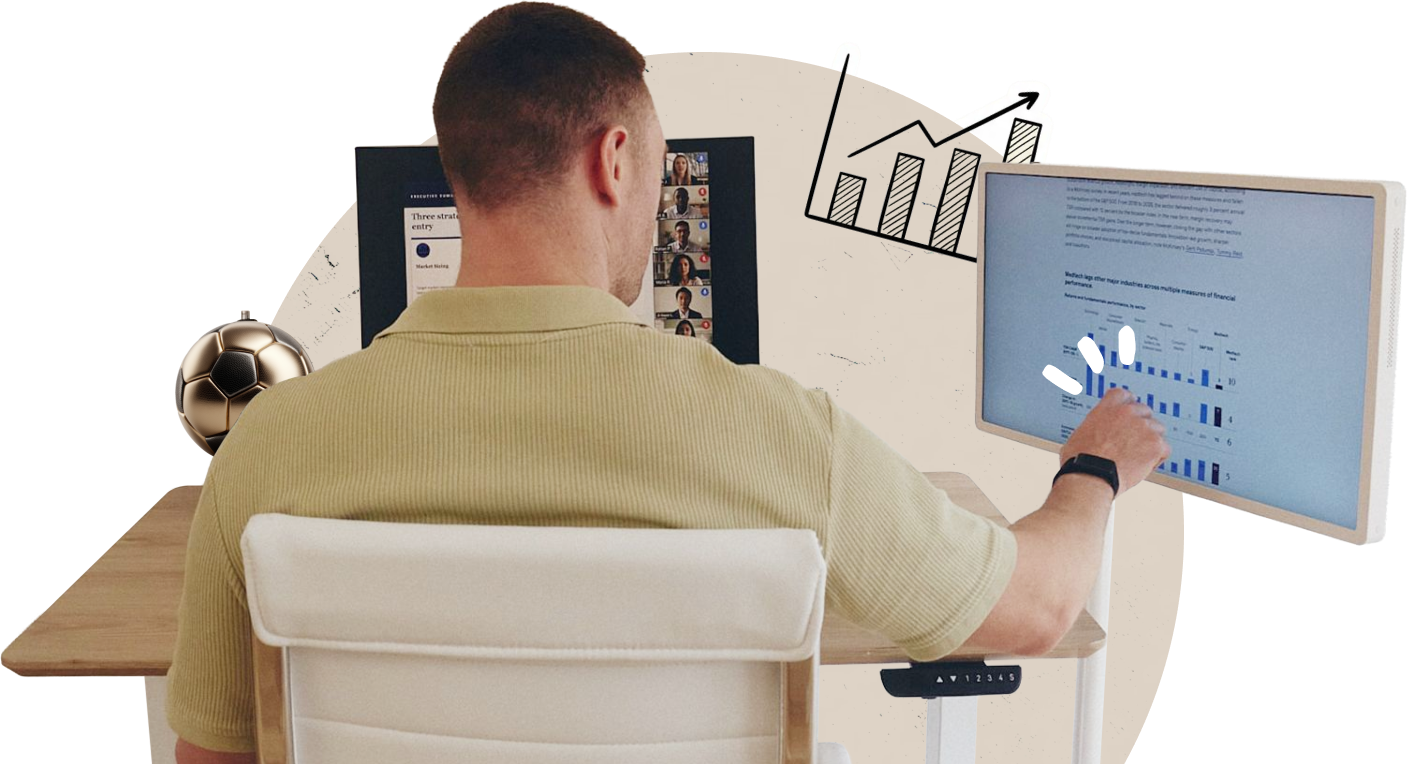
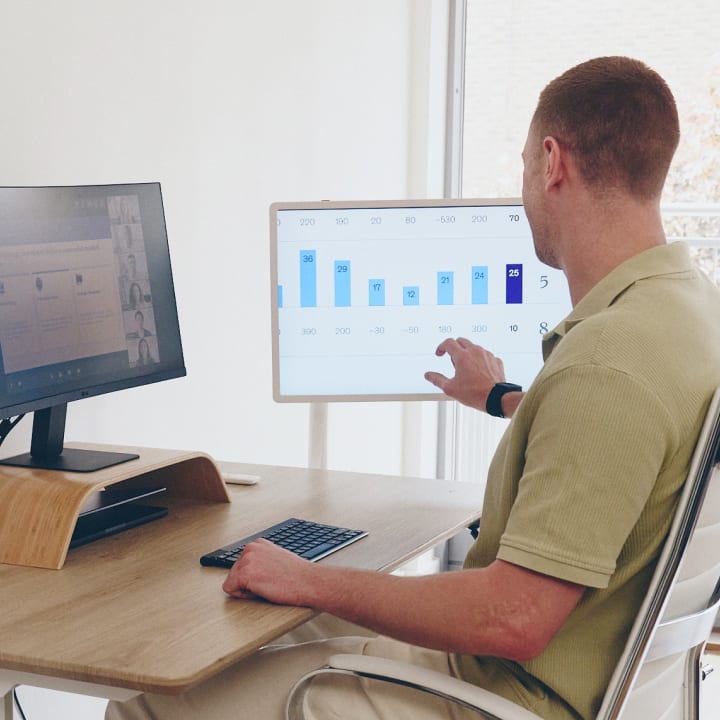
His laptop sits on the desk, and StanbyME 2 sits beside it as a second screen. Height and angle freely adjustable, he sets it where his eyes naturally fall. The entire display is a full touchscreen, switchable between remote control and touch, whichever suits the moment.

The back of a man touching a StanbyME 2 smart screen displaying data, next to a laptop showing a video meeting.

“Before, I was constantly resizing windows, switching tabs — a mess. Now the meeting is on one screen, documents on the other. Much easier to stay on top of things.”

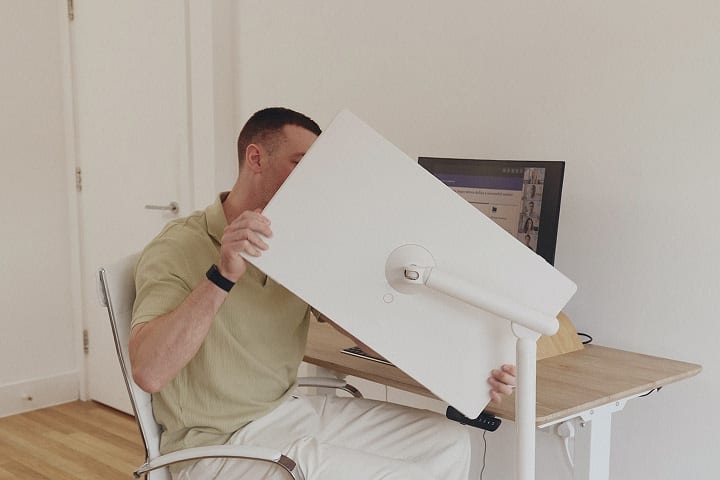
A man sitting on a chair and rotating a StanbyME 2 smart screen to a 45-degree angle.
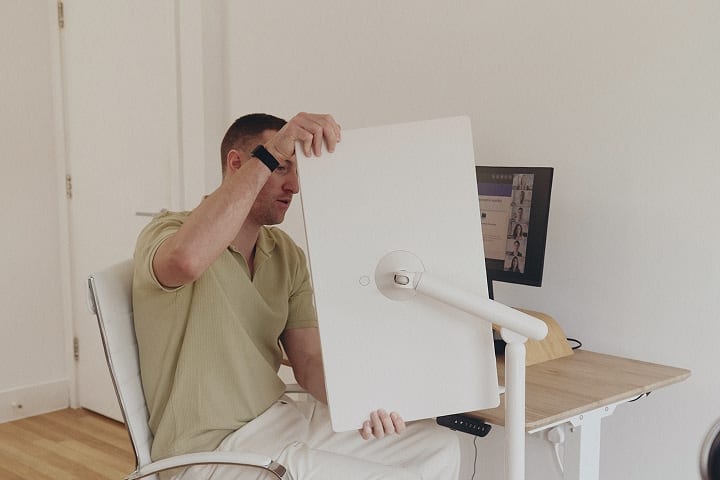
A man sitting on a chair and rotating a StanbyME smart screen to a 90-degree angle. Portrait rotation feature

Craig works with long reports and data-heavy dashboards — content that feels cramped in landscape. StanbyME 2 makes it easy to switch between landscape and portrait, and with tilt adjustable up to 25 degrees forward or back, the screen always meets him, not the other way around.

A finger touching a StanbyME 2 smart screen rotated into portrait mode.

I rotated it once and left it like that for the rest of the meeting. The scrolling dropped straight away — you can flip it to match the document whenever you need.

When the second screen finally found its place

Before StanbyME 2, something about the match-day setup never quite worked. The main TV handled the broadcast, but lineups, heatmaps, and player data all meant reaching for his phone.

He tried his laptop as a second screen, but his eyes kept dropping. What Craig wanted wasn't just another screen — he wanted something adjustable to eye level, free to move with him, and not tied to a socket.

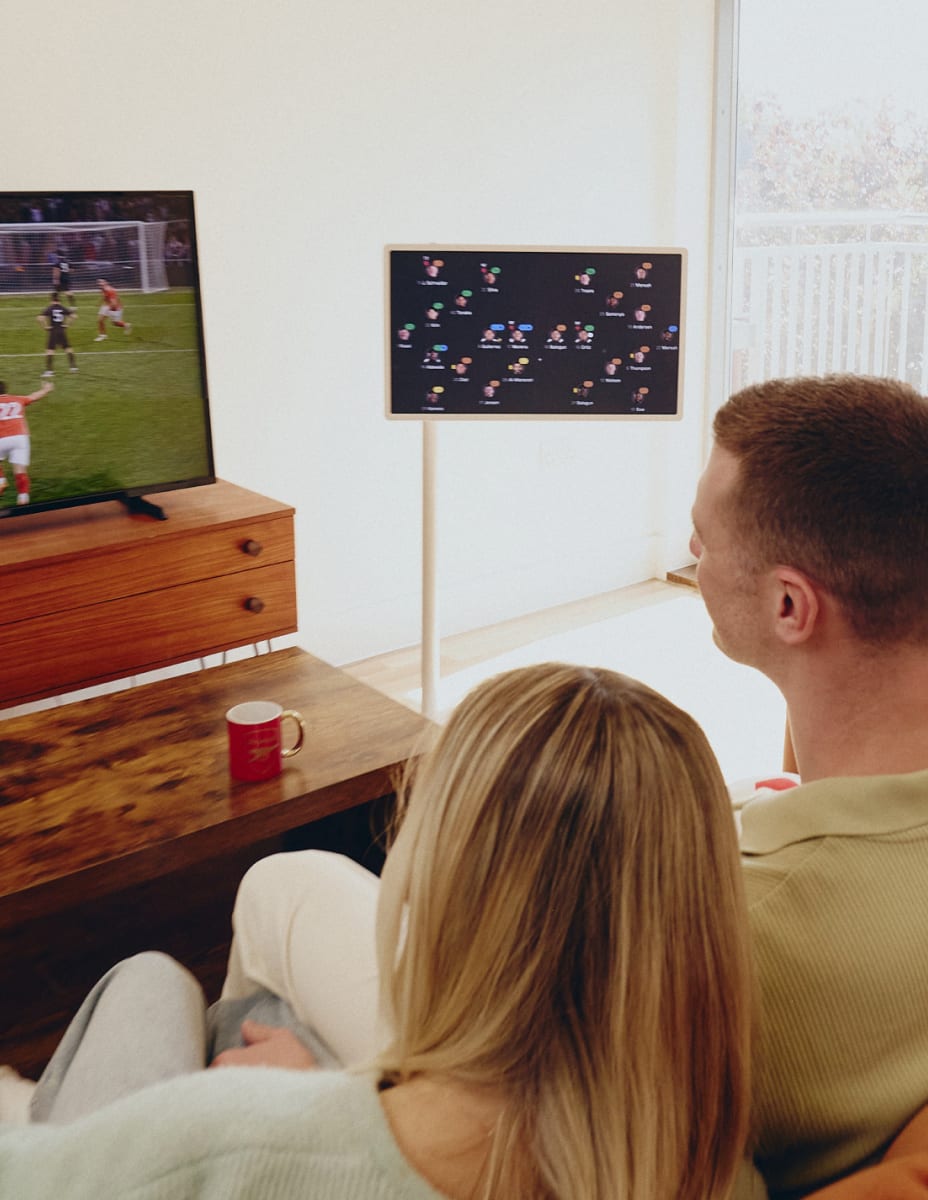
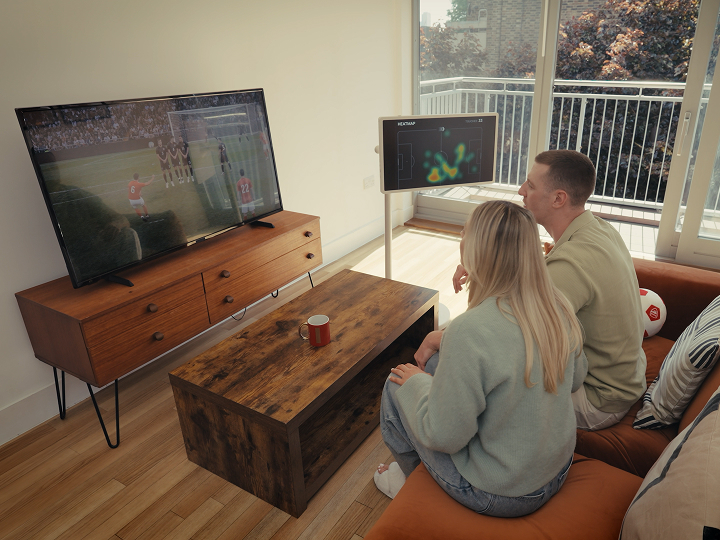
The back of a man and a woman sitting side by side on a sofa, watching a soccer match on the TV while checking a soccer match analysis screen on a StanbyME smart screen.

“Every time something important happened on the pitch, I was looking down at my phone. Missing goals — it just kept happening.”

StanbyME 2 met all of those conditions. The adjustable stand lets him set the height and angle freely — the screen is always where his eyes naturally go. And with no cables to worry about, move it to wherever you want. In his living room, StanbyME 2 sits beside the main TV — live stats, player data, or a second feed on one screen, the match on the other.

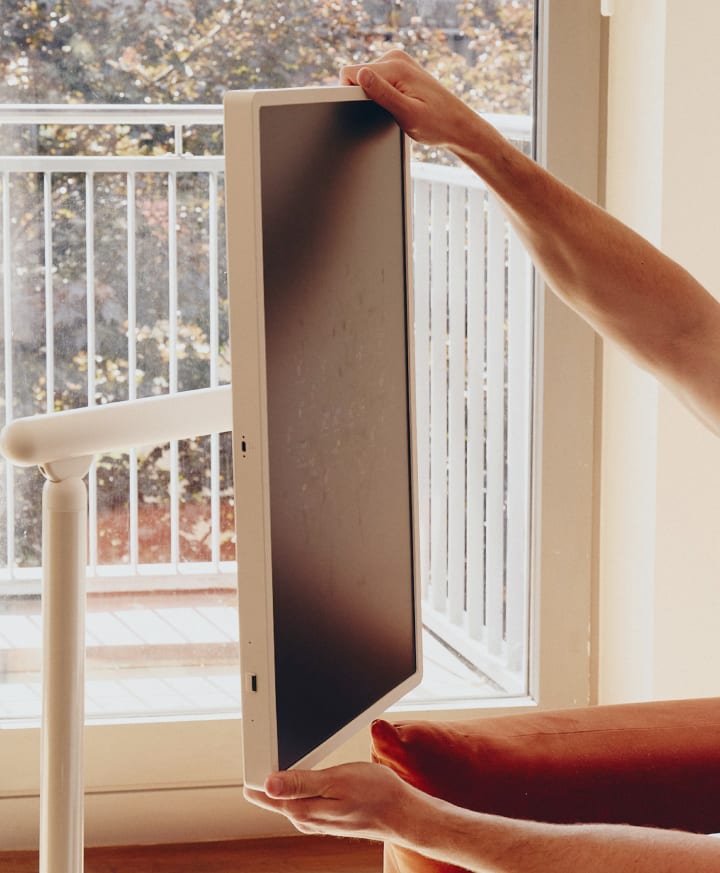
Two hands holding the top and bottom edges of a StanbyME 2 screen in portrait mode. Experience is genuinely different
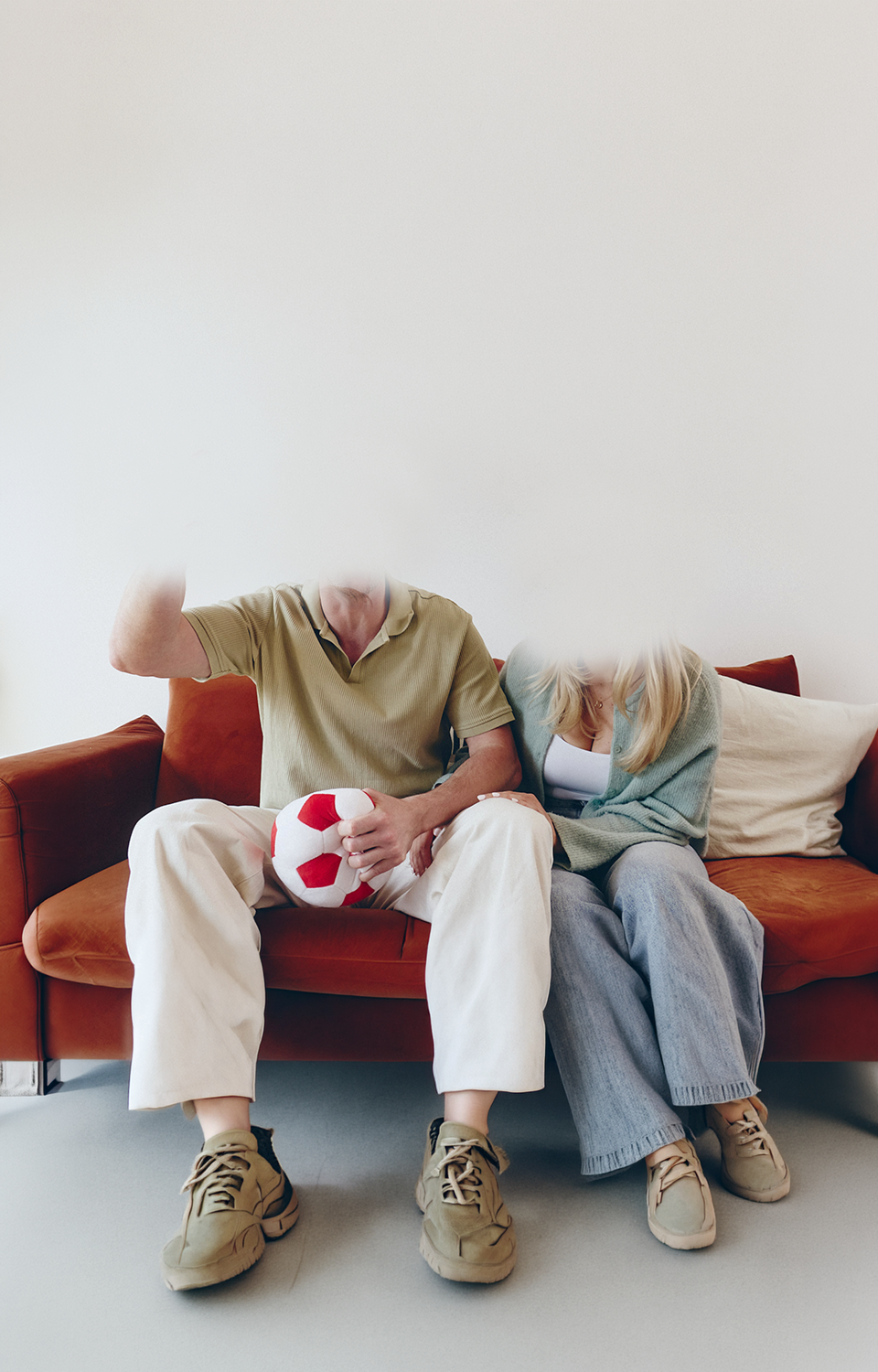
An excited man sitting on a sofa and holding a soft soocer ball toy in one hand, with a woman laughing alongside him, with 'GOAL!' text.

Having the information in your eyeline makes more of a difference than you'd expect. Instead of switching between your phone and the TV, you're watching the match and the data at the same time.

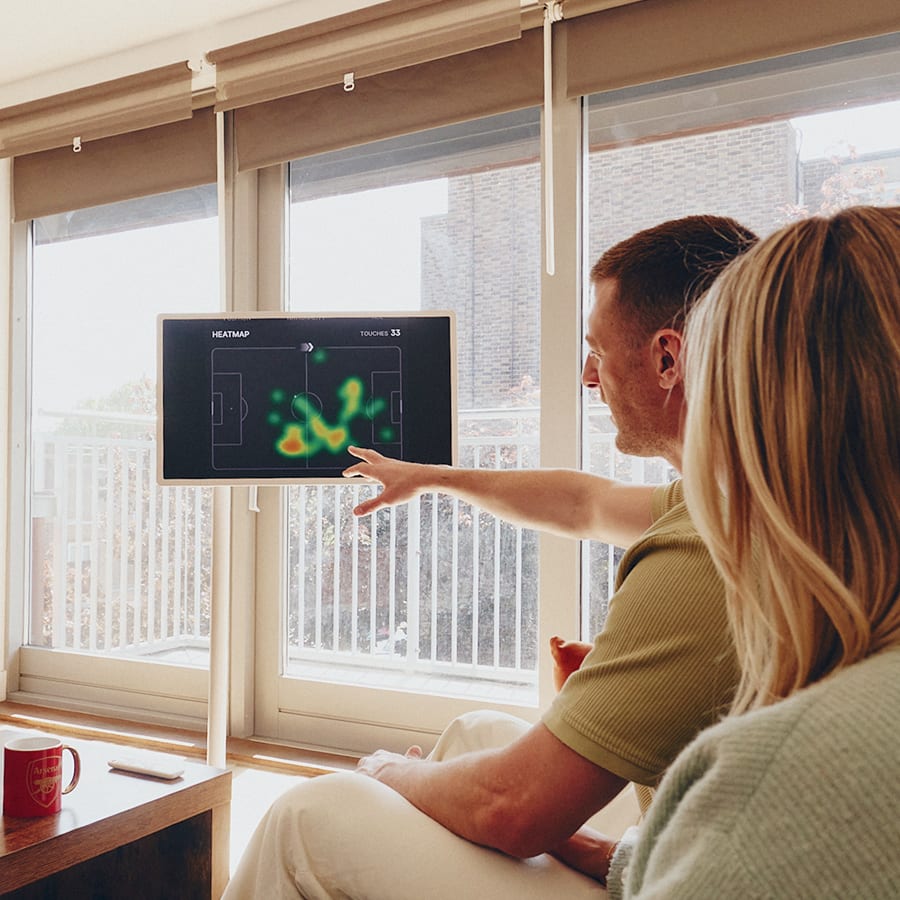
A man pointing at and explaining a soccer player's heatmap displayed on a StanbyME smart screen.

When the living room becomes a stadium

On match days, Craig settles onto the sofa and the room rearranges itself around the game. Georgia, who doesn’t follow soccer the way he does, finds herself drawn in anyway — pulled in by the atmosphere more than the sport.

StanbyME 2, positioned beside the main TV at sofa eye-level, shows the live stats and heatmaps. He pulls up a player’s data and talks Georgia through what he’s seeing — the run, the positioning, the moment before it happens. She started asking questions he hadn’t expected.

“Georgia wasn’t as into soccer as I am. But when I showed her the heatmap and explained what was about to happen, she got into it. When the goal came, she was already on her feet.”

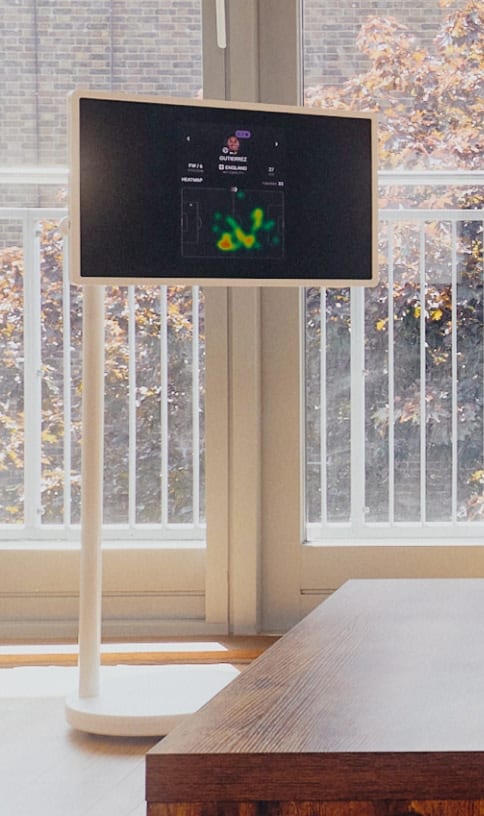
A StanbyME smart screen displaying a soccer player's heatmap.

What Craig hadn’t anticipated was that the second screen would become a shared one. The data that used to be his alone became something to talk through together. The flat felt, for ninety minutes, a little more like the stadium.

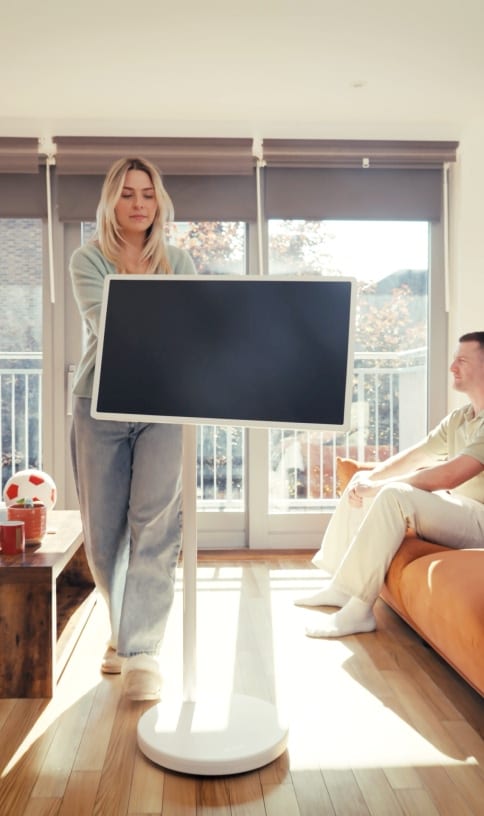
A woman moving a StanbyME 2 in a living room.

A better way to watch the match

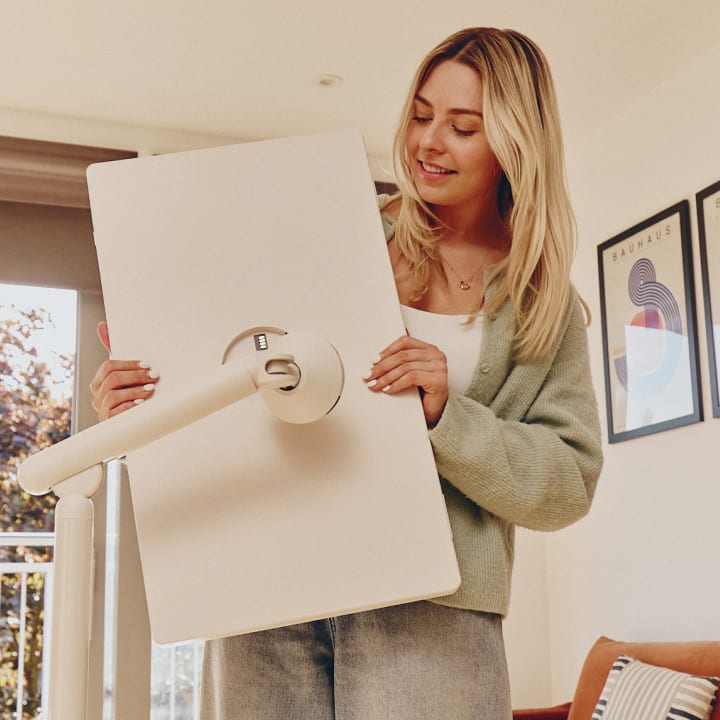
A woman detaching a StanbyME 2 smart screen from its stand.

For Craig, the summer international tournament feels different from the regular club season.

He's already set up his StanbyME 2 for this summer — the kind of games he wants to be properly settled in for from the first whistle.

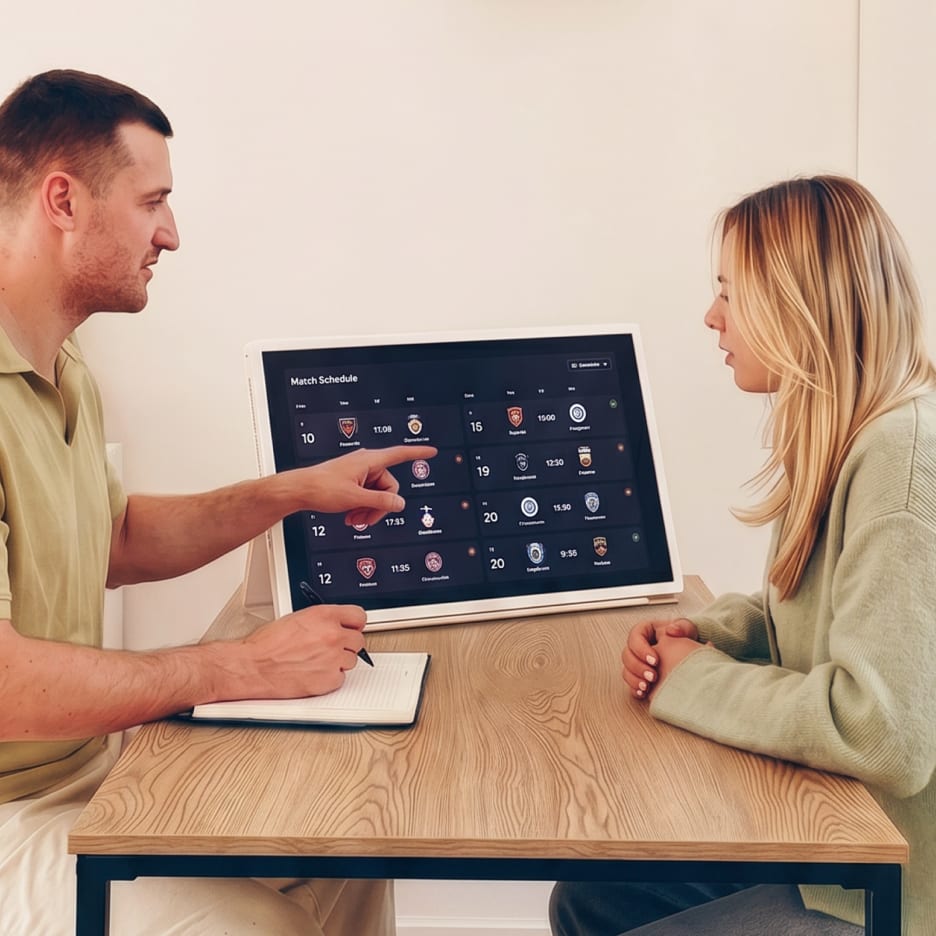
A man pointing at a soccer match schedule on a StanbyME 2 screen while holding a pen, sitting across from a woman.

“Club soccer has a rhythm to it — you know the squad, you know the manager's style, you have a sense of what to expect. International soccer is different. Every match carries more tension. Every decision is more exposed.”

For the big matches, he detaches StanbyME 2 from its stand and brings it wherever he wants. A long-lasting built-in battery keeps it running for up to 4 hours. Only the seat changes. When asked what had genuinely changed, Craig paused before answering.

* Folio cover sold separately.

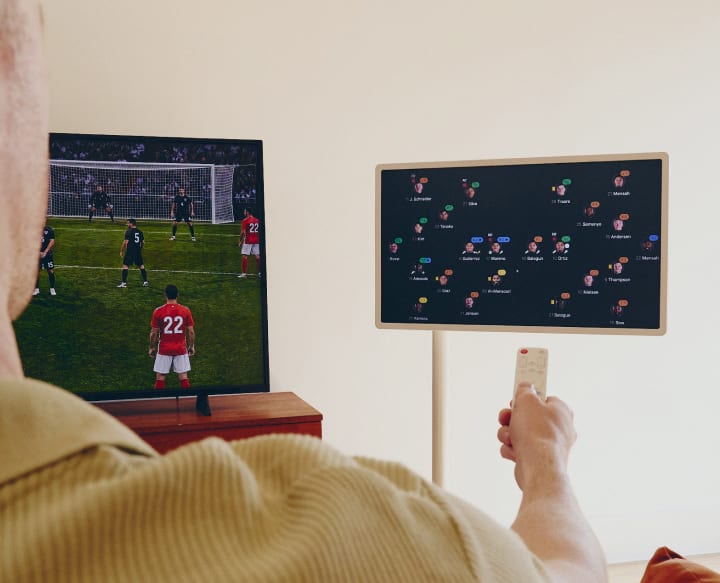
The back of a man holding a remote control towards a TV showing a soccer match and a StanbyME smart screen displaying a match analysis.

Work feels more organised. Watching matches is more enjoyable. But the part I didn't see coming was how much Georgia would get into it too. That changed things.

* Certain images within the screen may be AI-generated for illustrative purposes.

* This video is for illustrative purposes and may differ from the actual product.

Effortless viewing, anywhere with LG

How to Get the Most Out of StanbyME 2

Q.

Where should I set up StanbyME 2?

A.

There's no fixed spot — and that's the point. StanbyME 2 moves wherever you need it: beside the sofa, next to your desk, or alongside the dining table. It finds its place as your day does.

Q.

How adjustable is the height and angle?

A.

The stand lets you set the height and angle freely — whether you're on the sofa or at a desk, position the screen exactly where your eyes naturally fall and adjust whenever your setup changes.

Q.

Can I detach the screen from the stand?

A.

Yes. The screen separates from the stand for a more compact setup. A folio cover is available separately if you'd prefer an alternative way to prop it up.

Q.

Can I use both the touchscreen and the remote?

A.

Both are supported — use the remote when you're further away, touch when you're up close. Gesture controls are also supported: a double tap with the back of your hand rewinds the timeline without touching the screen.

Q.

Can the screen rotate to portrait mode?

A.

Yes — portrait works well for documents and dashboards; landscape for video and broadcasts. The screen rotates to match what you're looking at. Resolution is QHD (2,560 x 1,440).

More Monthly LG Readings